The Challenge
As Part of my Assignment in CS310 : Computer Networks (Computing Course offered by the University of the South Pacific). We were required to create a TicTacToe Game with elements that allows all players to chat with each other coded in Python using either Socket Programming Principles.
The Project and Its Troubles ( and Wins )
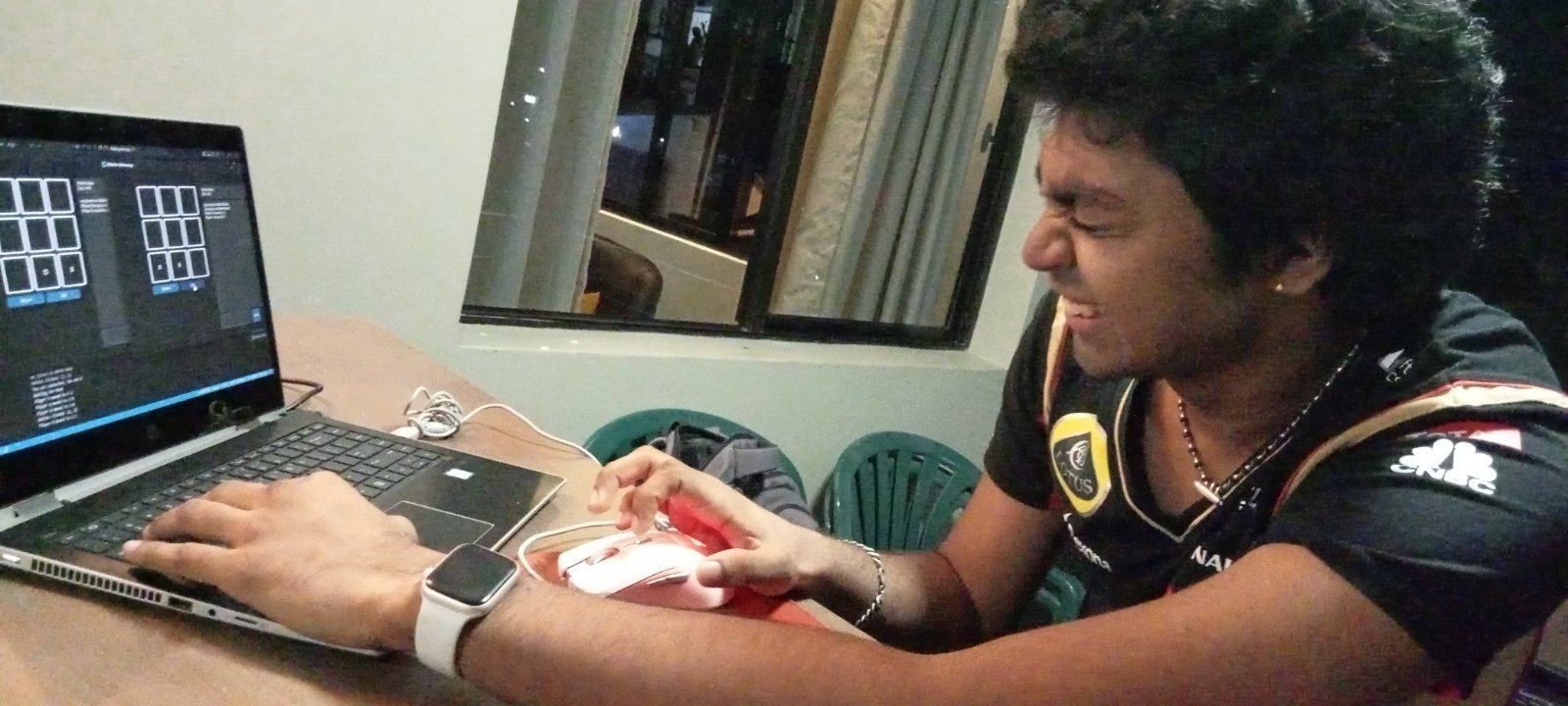
This Project gave our team quite a lot of challenges, it made us cry, laugh, wallow in despair as well as jump around in joy; overall it helped everyone grow their coding abilities and learn new Things about Python in general. The assignment originally required us to use Raw Sockets for the application which the group failed to accomplish as their are very little example projects available in python and our time schedules were really tight; ultimately deciding to use a simple TCP SOCK_STREAM approach (for more information on Python Sockets I do recommend looking deeper here).
What we found most interesting was the Python Library Customtkinter, it builds upon the existing Tkinter Library and allows much further expression when it comes to GUI design. The Team was pleased with the overall design choices we made combing dark greys with contrasting blue buttons. Overall Customtkinter is a highly useful library for Python GUI applications and has been fun to work with as well as learn along the length of this project.
Example of Customtkinter Elements: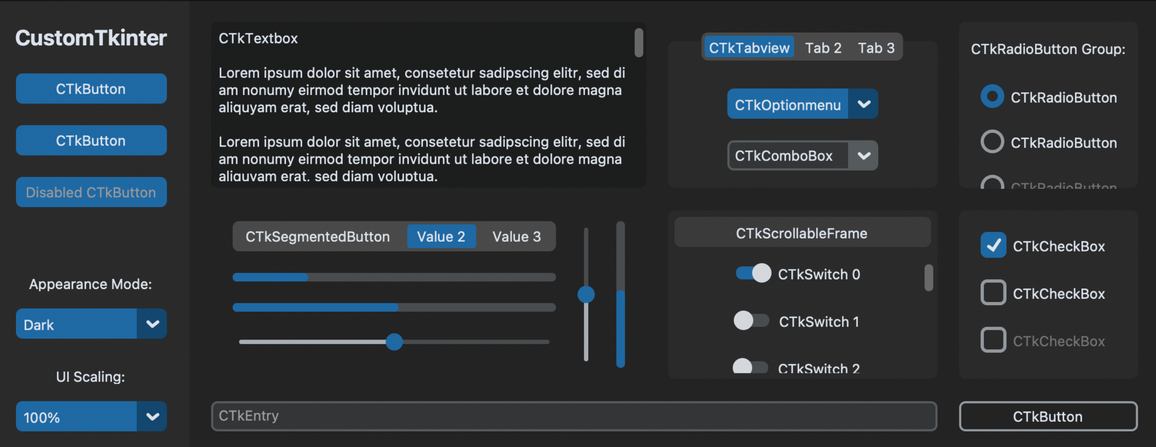
(source : https://customtkinter.tomschimansky.com/)
Running the Code
An installation guide is provided under the ReadMe.md file in the Github Repository. Please Follow it before attempting to Run the Code.
Once you do, you will have to run server.py to begin an instance of the server that handles all of the processing and then run client.py.
Firstly, you will be greeted with a Login/Authentication Page, which allows you to Enter your Username as well as choose whether you wish to play the game in "HUMAN" mode or "COMPUTER" mode. Failing to Enter a Username will result in an error window display.
Login Window: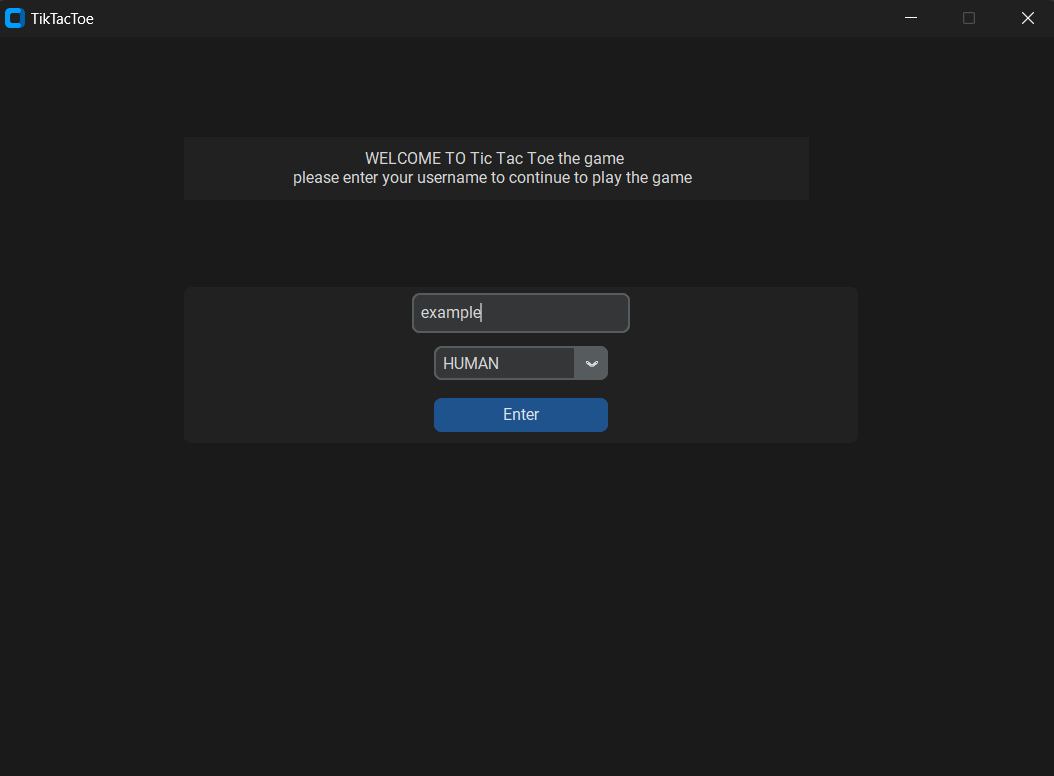
Upon pressing the "Enter" button, your username and choice is sent to the server where the handle_client() function reads the information and stores it into the self.activeClients = [] list. This list is a list of tuples each holding the (*client username*,*client socket information*,*client mode*). It then checks if the mode chosen is HUMAN and adds it to the self.waitingUsers = [] list which holds only the socket information (this list is used later when forming sessions between two users). After adding to these two lists, a simple for loop is called to take out the username information from self.activeClients and sent to All Clients along with a String Message stating: "*username* has joined on *mode* mode!". The String message will be displayed on the Client's Chatbox while the client usernames will be displayed above it in the Online Users Label. The Function the checks if the user had chosen mode COMPUTER the function will create an internal representation of the TicTacToe board and added to a list of internal boards called self.internal_boards = []. Finally, the Function creates a thread with the target= listen_for_messages() which handles all the messages that the client sends to the Server.
THIS MEANS, that every client is is running on a thread with target=handle_client() and each one of these threads will create another thread for listen_for_messages(). This allows for each client thread to listen for messages independently as well as initialize their own representations of the TicTacToe Board! Its very possible to concurrently run AS MANY clients as your Hardware can handle.
Chatbox and Online Users Label: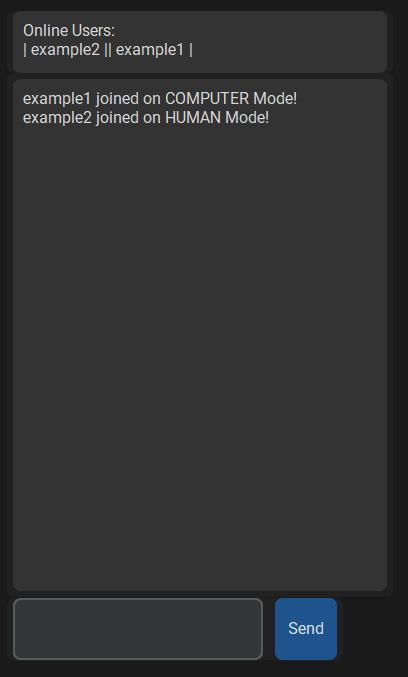
HUMAN MODE:
In HUMAN mode the user will wait for another instance of client in HUMAN mode to join and create a SESSION. A SESSION consists of two users in HUMAN mode paired together using the function pair_clients(). In the function, two clients in HUMAN mode are paired together and a SESSION is created and stored in the list self.game_session = [] which holds a tuple consisting of the (*client 1 socket information*, *client 2 socket information* , *an internal representation of the TikTacToe Board shared by both clients*). The moves made by each User is processed by the server using the function process_move_human().
Important Precautions taken care of for HUMAN mode:
-User 1 cannot move while User 2 is making its move and vise versa.
-Reset Board Functionality Disabled in this Mode.
-Both Users can chat in the global Chatbox while playing each other.
-Any User can Press the Quit Button which will be displayed in the other User's Chatbox.
-After a Win or Tie, no User can make additional moves
Screenshot: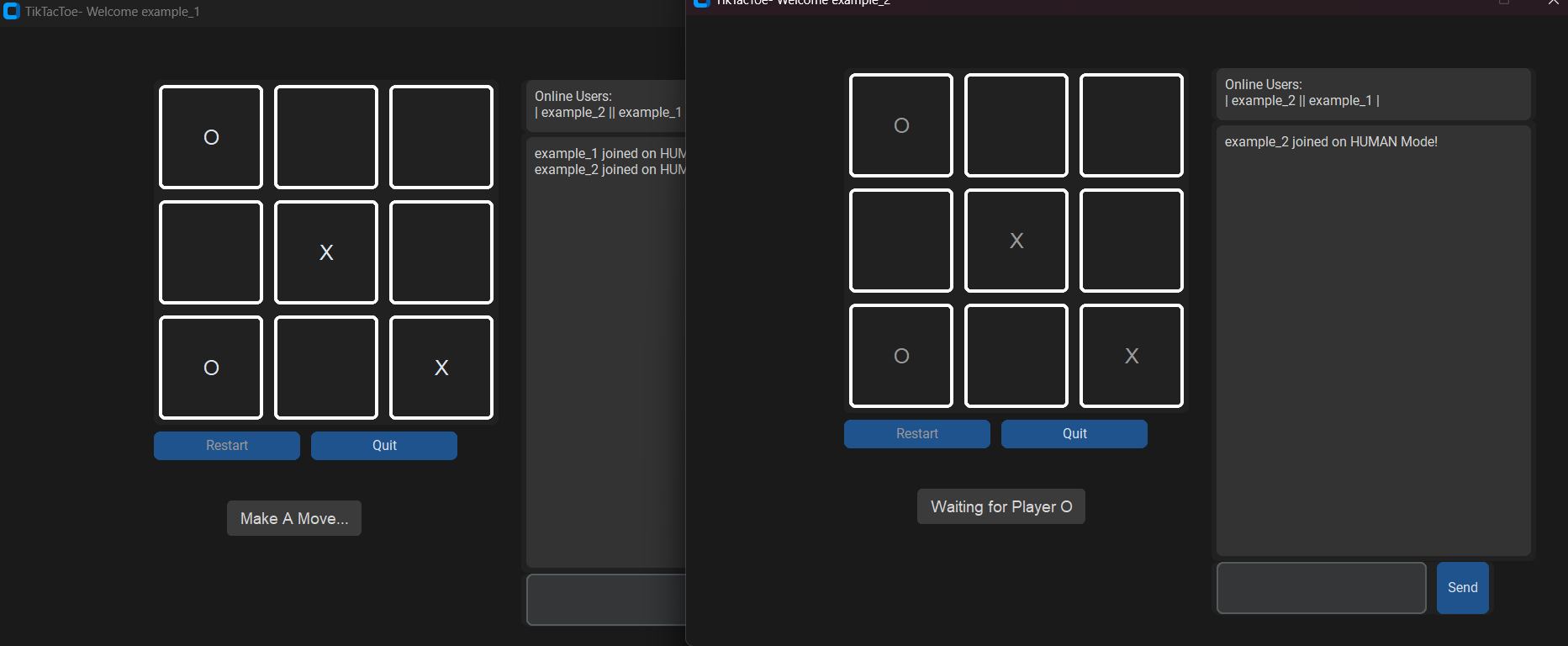
COMPUTER MODE:
In COMPUTER mode the server will check the moves made the user and chooses a random free position to make its move, updates the internal board and sends the server move to the client using the combined efforts of the functions process_move_computer() and server_move().
Important Precautions taken care of for COMPUTER mode:
-User will always move first to remove excess variables and cases.
-Server checks for win condition after making its move to see if its won
-Server checks for win condition when it receives a move to see if the User has won.
-Server checks both after it has made a move and when it receives a move for Tie condition.
-Enable Reset button Functionality that allows user to reset the board and play multiple times.
Screenshot: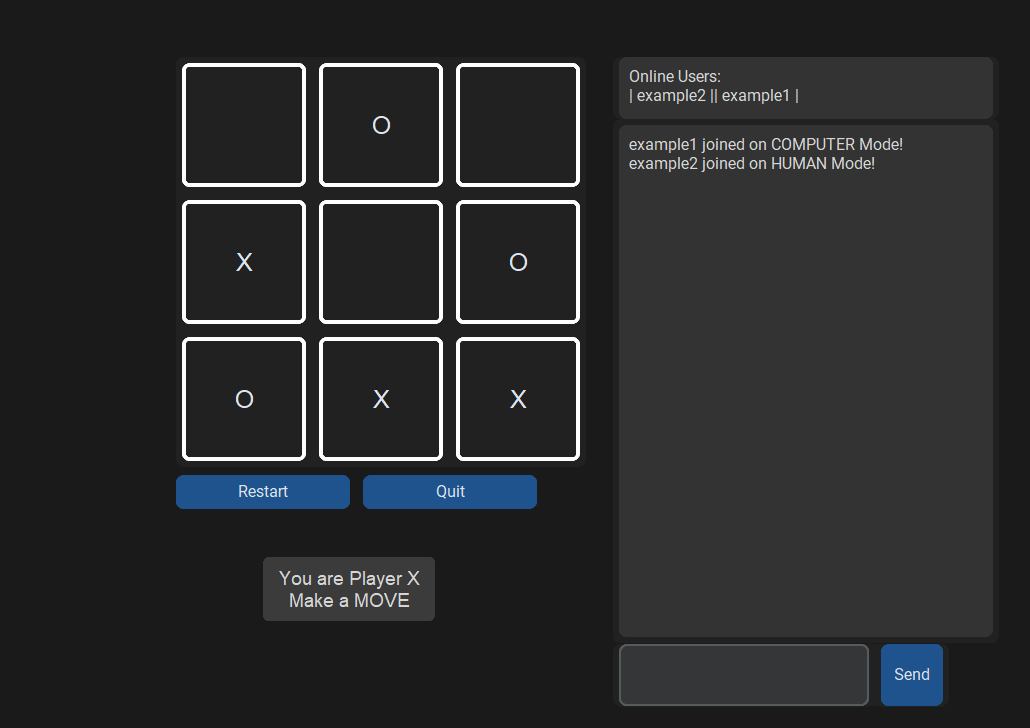
Closing Notes:
The Project was enjoyable to work on but also very painful when you realize the amount of debugging we had to do to make sure all of the functionalities worked properly without any unforeseen errors (there was plenty of them). In retrospect there is always more features we could add later on to make it even better then it's current state. The GitHub page has instructions for Commits etiquette should you wish to contribute to the Project (Which we HIGHLY recommend!).
The Team and their respectful contact details are as follows:
Sachinandan Sen - LinkedIn
Shamal Kurmar - LinkedIn
Shivneel Narayan - LinkedIn
>> View Github Repository here
Bonus picture of me dying inside when the code was not working as planned: